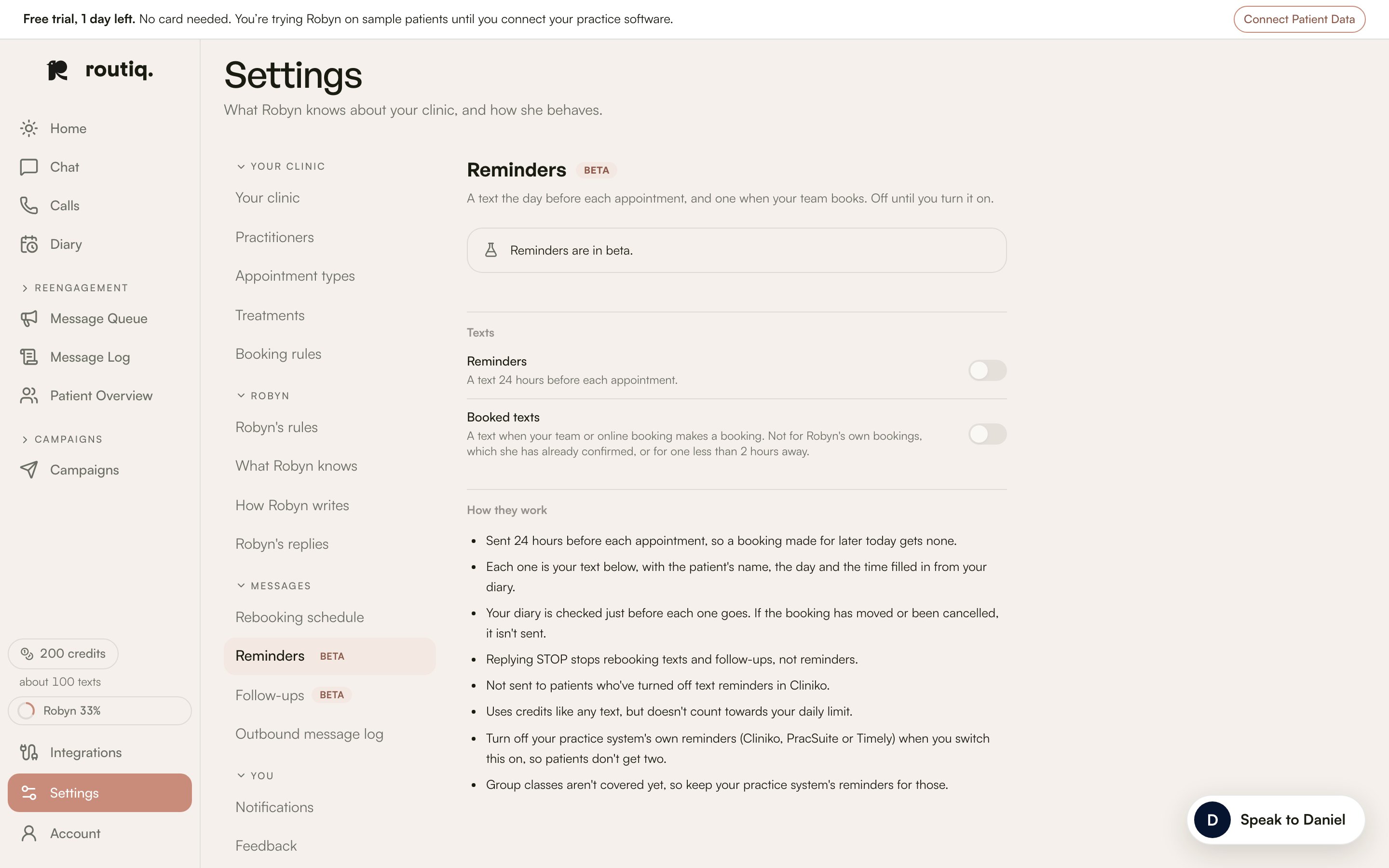
Reminders and follow-ups are beta features. Settings shows their templates, but Routiq enables sending for each clinic. A locked switch does not mean messages are already going out.
The beta Reminders settings, with reminder and booked-text switches off.

The beta Reminders settings, with reminder and booked-text switches off. All patient data shown is fictional.

Reminders

The reminder flow includes a text about 24 hours before an appointment and a Booked text when your team books. Review the wording and preview in Settings → Reminders.

Follow-ups

Settings → Follow-ups covers four situations:
  • After a first visit.
  • After a missed visit.
  • After a cancellation.
  • A review request.
Check each template and your review link before arranging activation.

Before switching on

Ask Routiq to confirm which messages will send and when. Coordinate this with your practice system’s existing reminders so patients do not receive duplicates. Only disable an existing reminder once the replacement and timing are confirmed. These texts use credits. They have their own appointment rules rather than the rebooking campaign’s daily limit. A patient’s STOP blocks follow-ups and marketing outreach; appointment reminders are treated separately. Use Speak to Daniel to arrange the beta for your clinic.