Routiq has two separate switches. Check both before leaving Robyn to work on her own. Find the switches on Home. Rebooking’s switch appears once its schedule is active. Turning on Auto opens a confirmation; returning to Assist stops automatic approval for that lane.
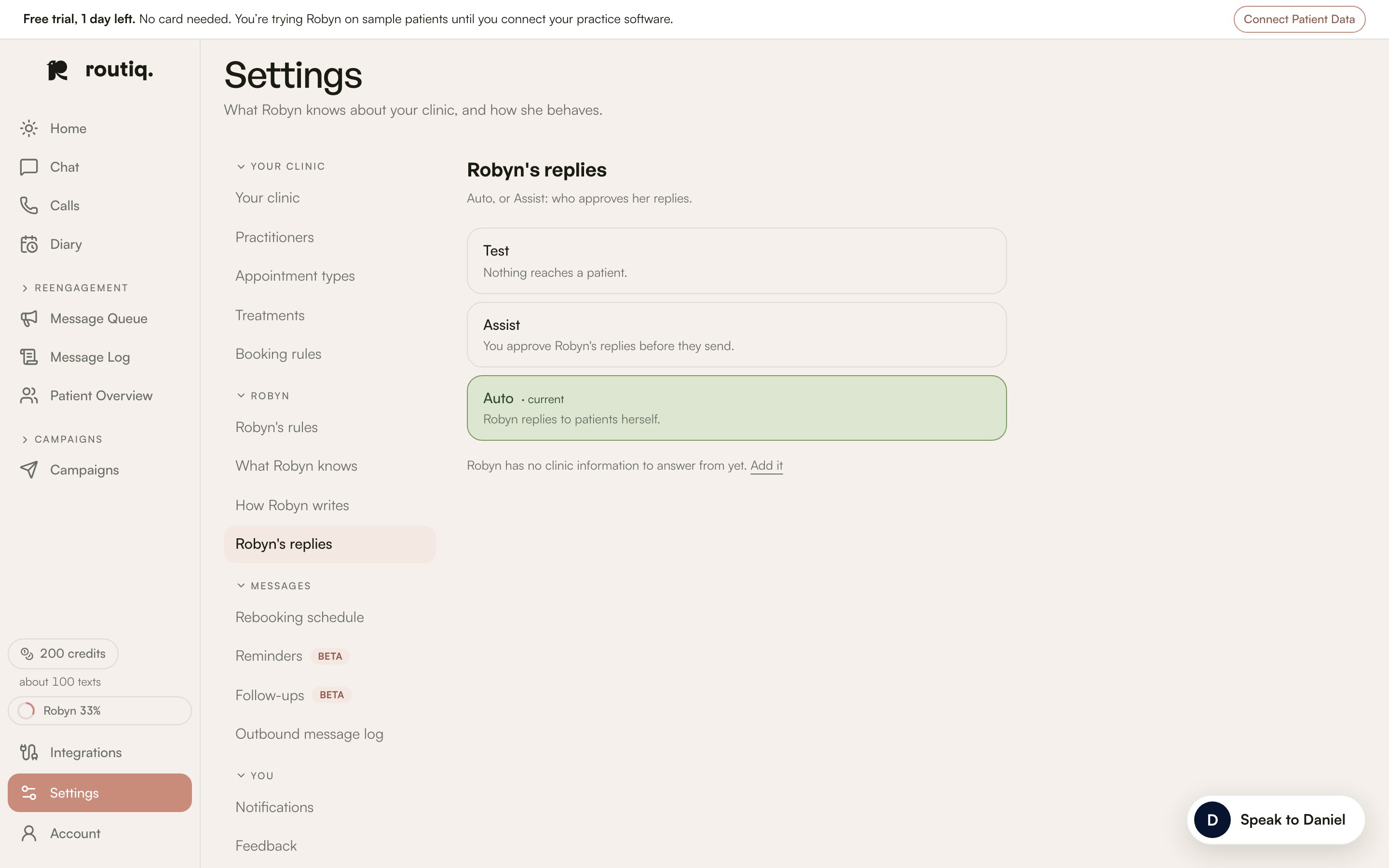
Robyn’s replies settings with Test, Assist and Auto.

Robyn’s replies settings with Test, Assist and Auto. All patient data shown is fictional.

Test

Settings → Robyn’s replies also offers Test, labelled “Nothing reaches a patient.” Choose or leave Test there. Check the resulting settings before starting real outreach.

One conversation

Pause Robyn in Chat pauses her in that thread. Let Robyn reply hands it back. This does not change your clinic’s two switches.

Sending still has rules

Auto does not bypass opt-outs, available credits or the sending rules. A reply that needs a person’s judgement still comes to Needs you.